Start with your board.
Select the board area manually, choose your orientation, and save named layouts for your next session.
 blunder.
Get Blunder
YOUR NEXT MOVE STARTS HERE
Turn a position into perspective. A native chess companion that brings your board, Stockfish analysis, and next move into focus.
Fetching the latest signed launcher metadata…
Connecting to the release service.
Windows x64 · DirectX 11 · Administrator approval
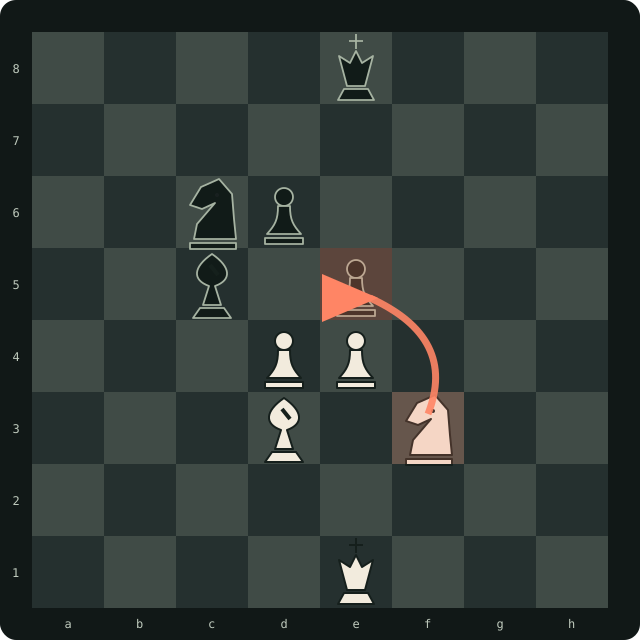
A LITTLE CLARITY GOES A LONG WAY
Less friction between the board in front of you and the analysis behind your next move.
Select the board area manually, choose your orientation, and save named layouts for your next session.
Explore Stockfish analysis with depth, time, and strength controls in a focused native dashboard.
Use Auto-Move with configurable timing and a dedicated stop shortcut. Stay in control of the session.
CHOOSE YOUR EDITION
Free gets you straight to the board. Paid availability follows the same live configuration as the launcher.
Keyless, device-bound enrollment through the launcher. No username or access key required.
The launcher enrolls your device when you choose Free.
Account and access-key sign-in, with your profile and key expiration shown in the launcher.
Paid sales are not open. No checkout is available here.
Both editions currently include Board Reader, Stockfish Analysis, and Auto-Move. No paid-only feature split is advertised.
FROM DOWNLOAD TO YOUR BOARD
Download BlunderLauncher.exe, verify the SHA-256 shown on this page, and open it. Approve the normal Windows administrator prompt.
Click Next on Welcome, then Free Edition → Download / Launch. No account or key to enter.
It verifies the RSA-3072 PSS signed release, installs or updates blunder.exe, and starts the app over a protected local pipe.
The current build is not Windows Authenticode-signed. SmartScreen may show “Windows protected your PC,” and the administrator prompt may show “Unknown publisher.” These are different from Blunder's signed update manifests.
First check that you downloaded from blunder.win and that the file hash matches this page. If it matches and you trust this download, choose More info → Run anyway when SmartScreen offers it. Stop if the hash differs. Do not override an organization-managed block.
In PowerShell, run:
Get-FileHash "$HOME\Downloads\BlunderLauncher.exe" -Algorithm SHA256Compare the full result with the checksum above. A matching hash confirms the bytes match this published release; it does not establish that software is risk-free.
BUILT WITH A TRUST CHAIN
A native C++ app and NativeAOT Windows launcher. No shared .NET runtime installation needed.
Device-proof authentication and signed leases. TPM-backed keys where available; Windows DPAPI protects the software fallback.
RSA-3072 PSS signed updates for the launcher and app, with exact size/hash checks and sequence-based rollback protection.
Release files stay in private cloud storage. The public download is rate limited; the app still needs its launcher and a verified lease.
Blunder uses signed licensing leases, device-bound authentication and verified updates. Layered integrity checks discourage unauthorized modification. These controls reduce abuse and tampering risk; they don't guarantee prevention of reverse engineering or compromise on an attacker-controlled device.
Free Edition · Windows x64